Actual BudgetSpendıng Tracker

A budget app that does not connect to your bank.

No bank login. No aggregator in the middle. No statement import. You enter what you spend, and the app works out what is left for the rest of the week — offline, in any country, on iPhone and iPad.

Download on the App Store iPhone and iPad · iOS 18 or later

An independent app by Halim Öztürk. Not affiliated with actualbudget.org and it does not connect to an Actual Budget server.

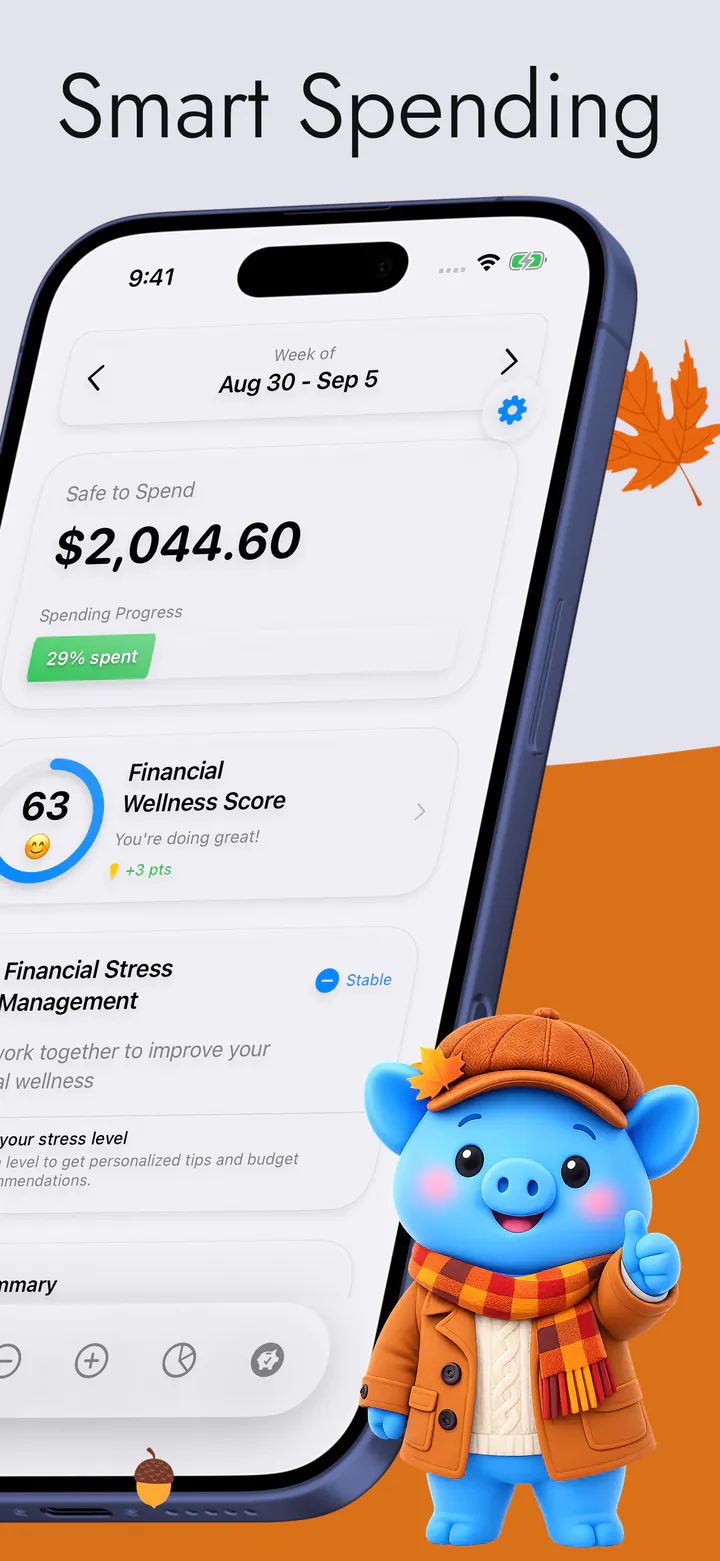
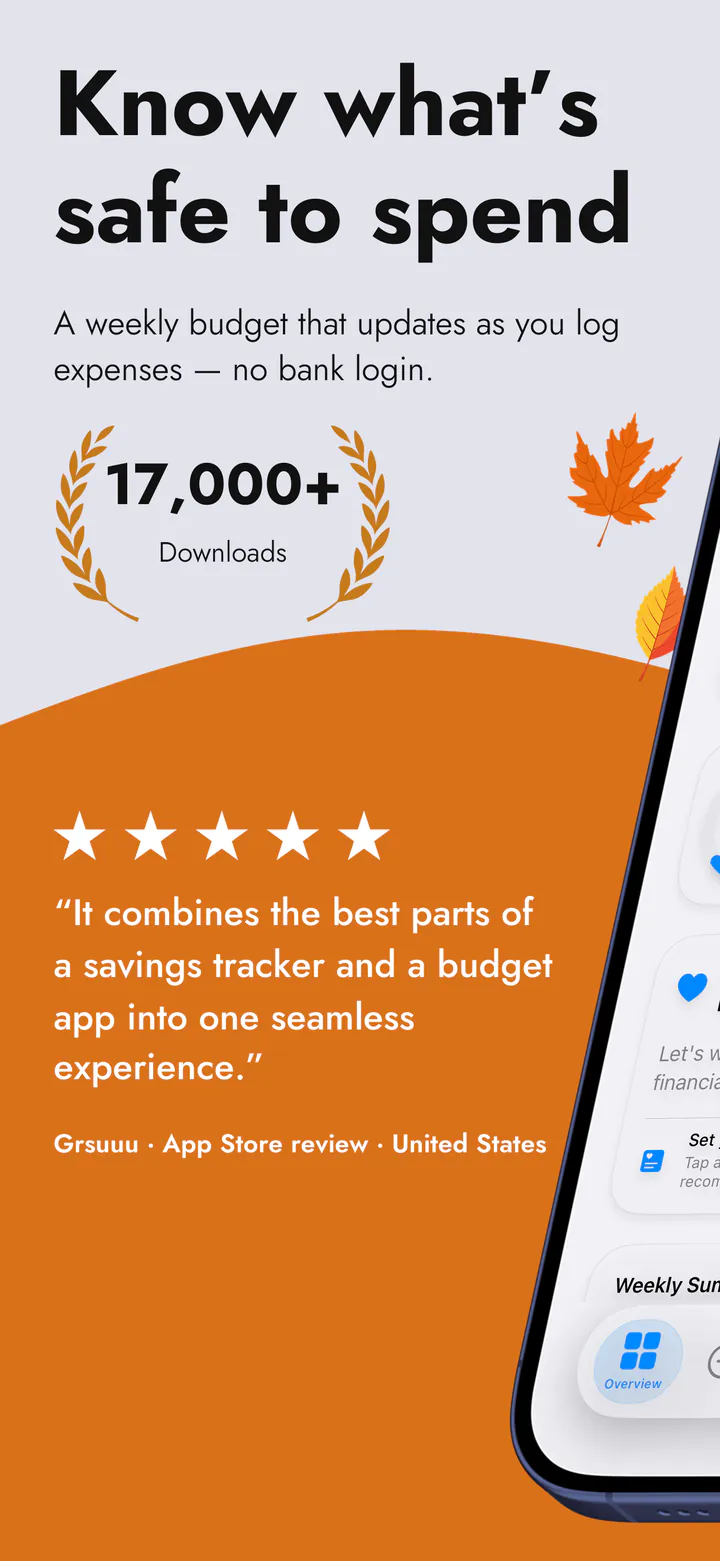
The app's Overview screen, showing what is safe to spend this week

Why there is no connection

Not a missing feature. A decision.

Most budgeting apps are built on top of a bank aggregator. This one has none — there is no such code in it at all — and three things follow.

01

It works in every country

An aggregator only reaches the banks it has agreements with, and outside a handful of large markets that list runs thin. Typing an amount has no coverage list — the app is on sale in every App Store country and speaks sixteen languages.

02

Nothing to hand over

There is no bank login screen, because there is nothing to log in to. Your banking credentials are never asked for, never stored and never sent anywhere — not to us, and not to a third party you have never heard of.

03

It works with no signal

Nothing in the daily loop needs the internet. On a plane, on the underground, abroad with data off — you add an expense and the number updates at once, because the arithmetic happens on your phone.

From the App Store

Incredibly user friendly, easy to set up and so far a great tool for getting on track!!

Frugal Goose · App Store review · United States

Quoted word for word from a review on the App Store.

Manual entry

The honest part: it is slower on the first day.

This is the real trade and it should be said plainly. An app wired into your bank fills itself in while you do nothing. This one asks you to type an amount. On day one that is more work, and if you want a budget you never touch, this is not the app for you.

What it costs after that is smaller than it sounds. Rent, the phone contract, every subscription and every standing bill are entered once and then repeat on their own, with their next date carried forward — so the fixed half of your month is done and stays done. What is left to type is the part you actually decide: the coffee, the taxi, the thing you did not plan. Typing it is what makes you notice it.

Your data

It stays on your phone.

Your budget records live on your device. Turn on iCloud sync and they travel through your own private iCloud, between your own devices — we cannot read them. Merchant names, notes and account names never leave your phone at all.

One thing we will not leave out: the app does send anonymous usage analytics, and some of those events include amounts. The Privacy Policy lists exactly which ones and why, item for item against the App Store privacy label. There are no ads and there is no advertising SDK.

What it does with it

One number, kept honest.

What you type turns into a single figure — what is safe to spend for the rest of this week, after everything already promised.

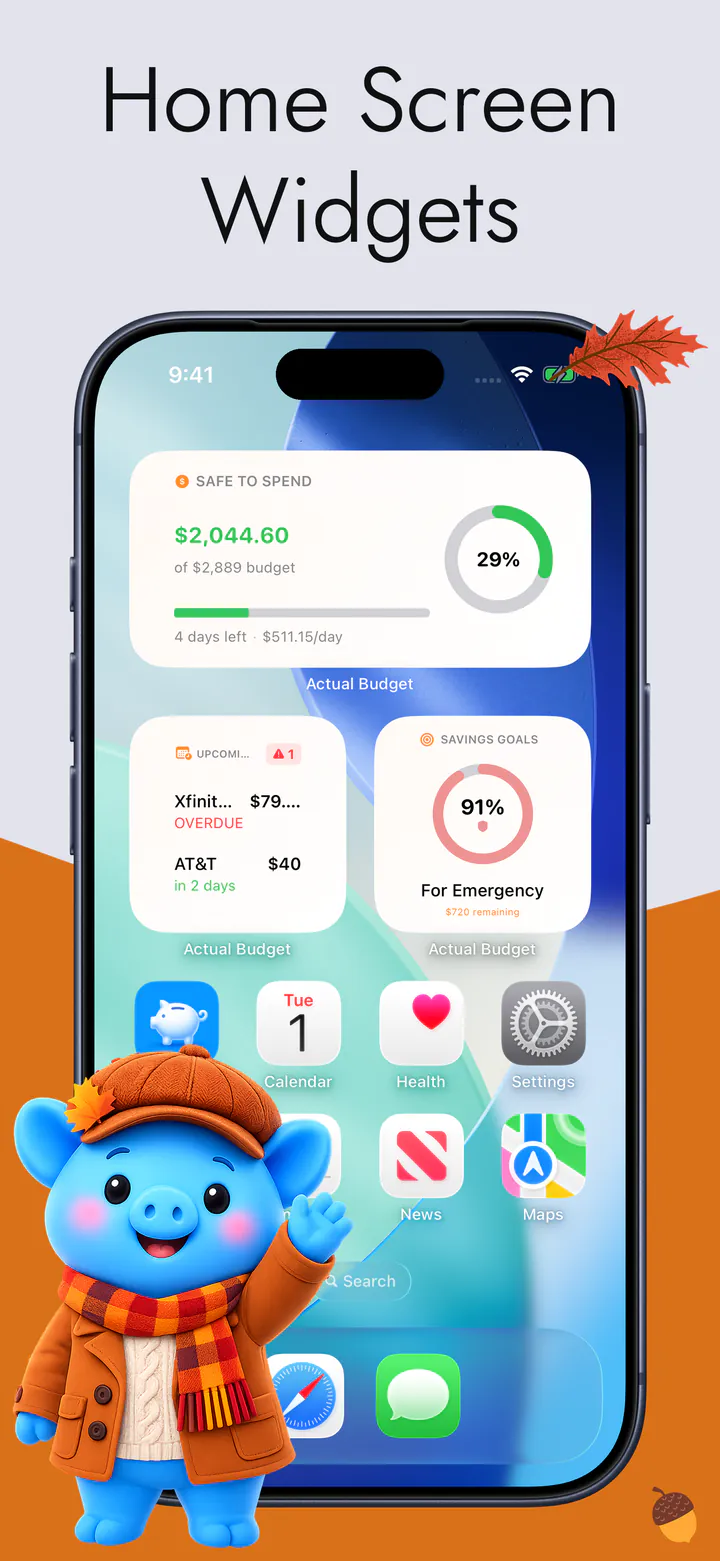
  • Safe to Spend for the rest of the week, on the Overview and on a Home Screen widget
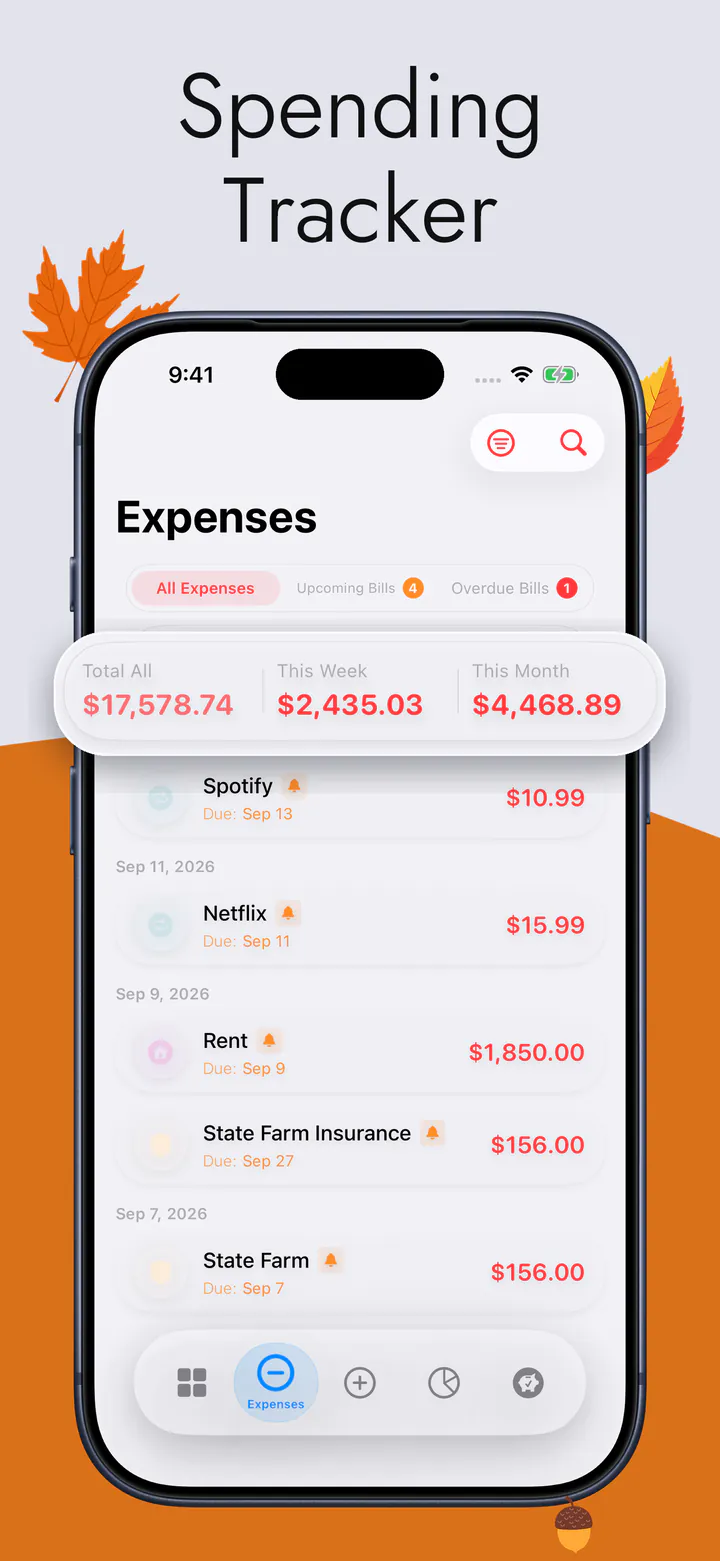
  • Every expense in one list, sorted into categories, with the week's and the month's totals
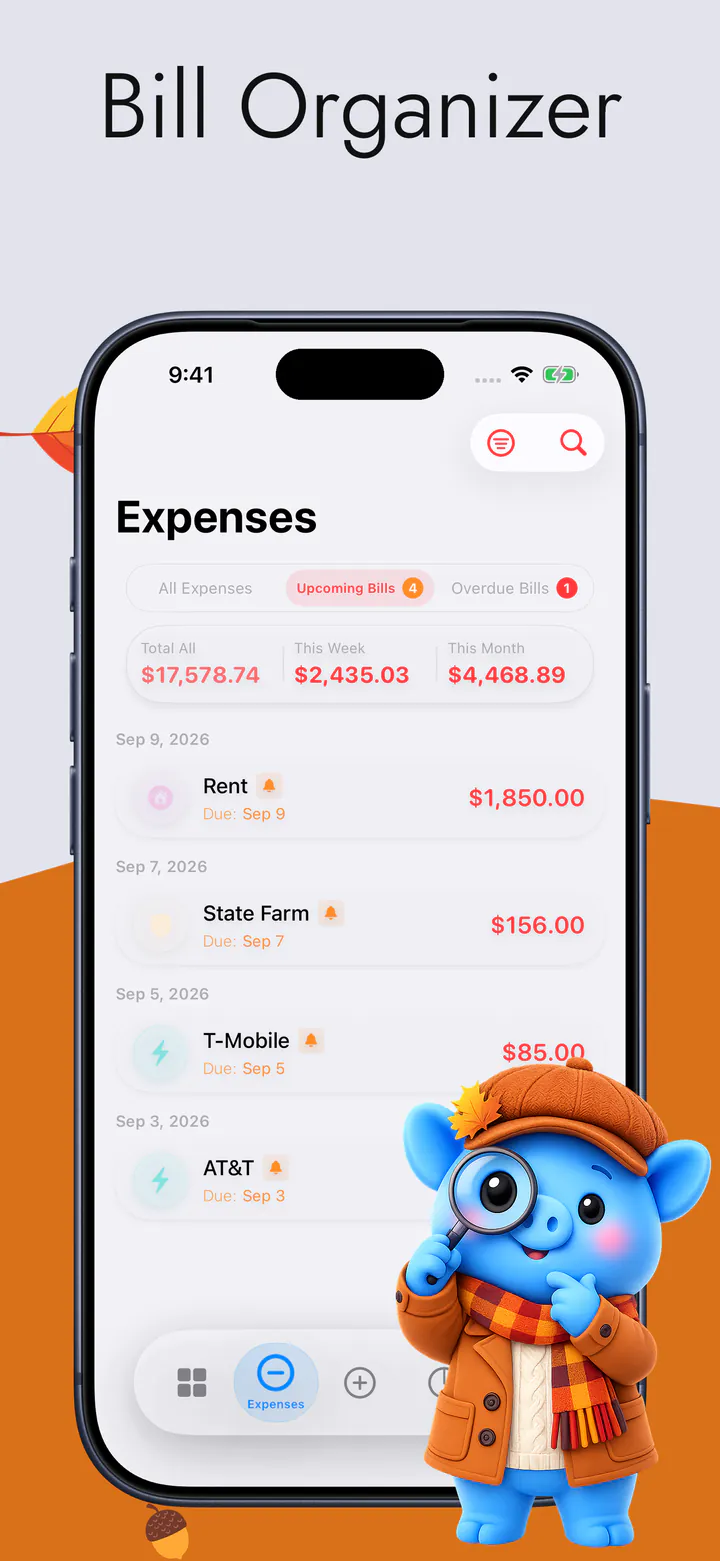
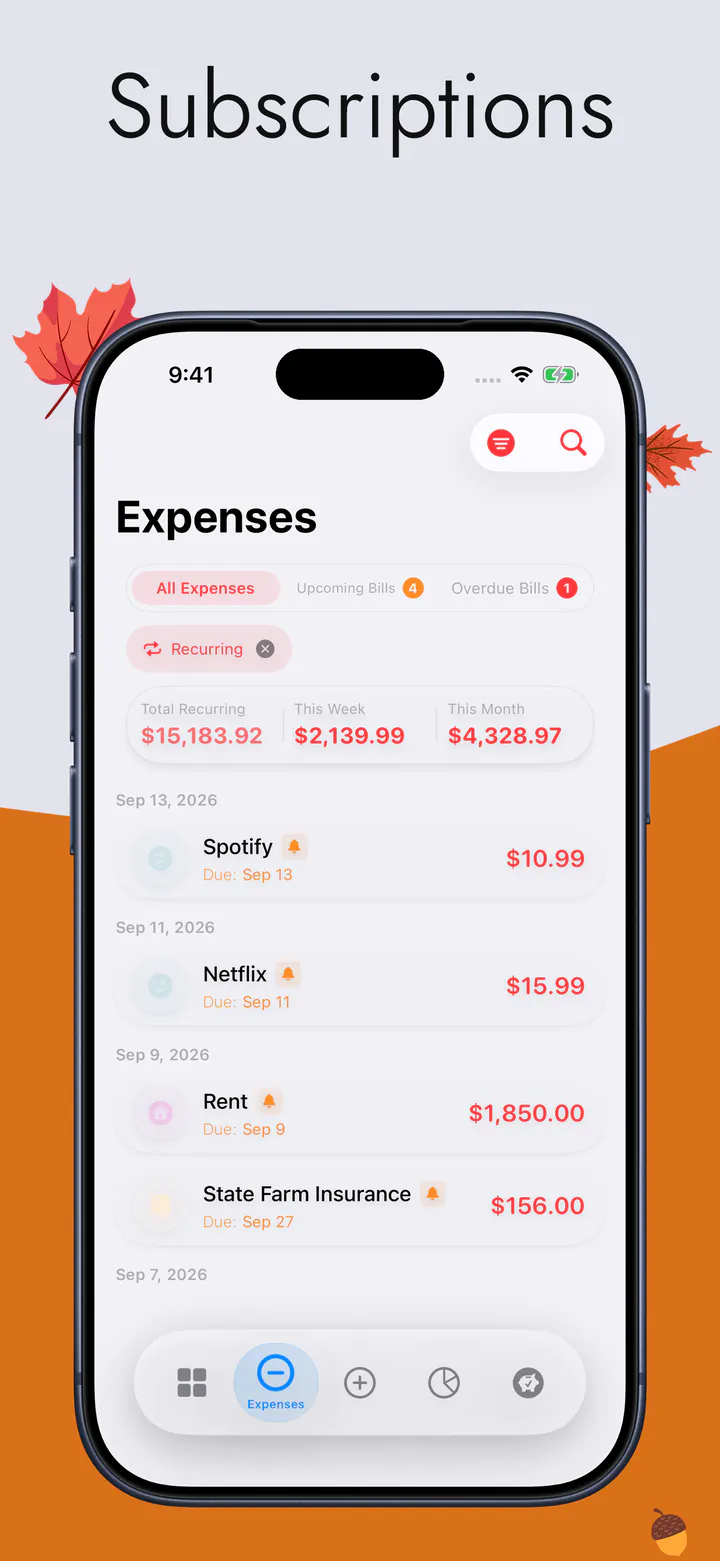
  • Bills, in the order they need paying, with what is due and what is late
  • Every subscription in one place, and what the whole set costs each month
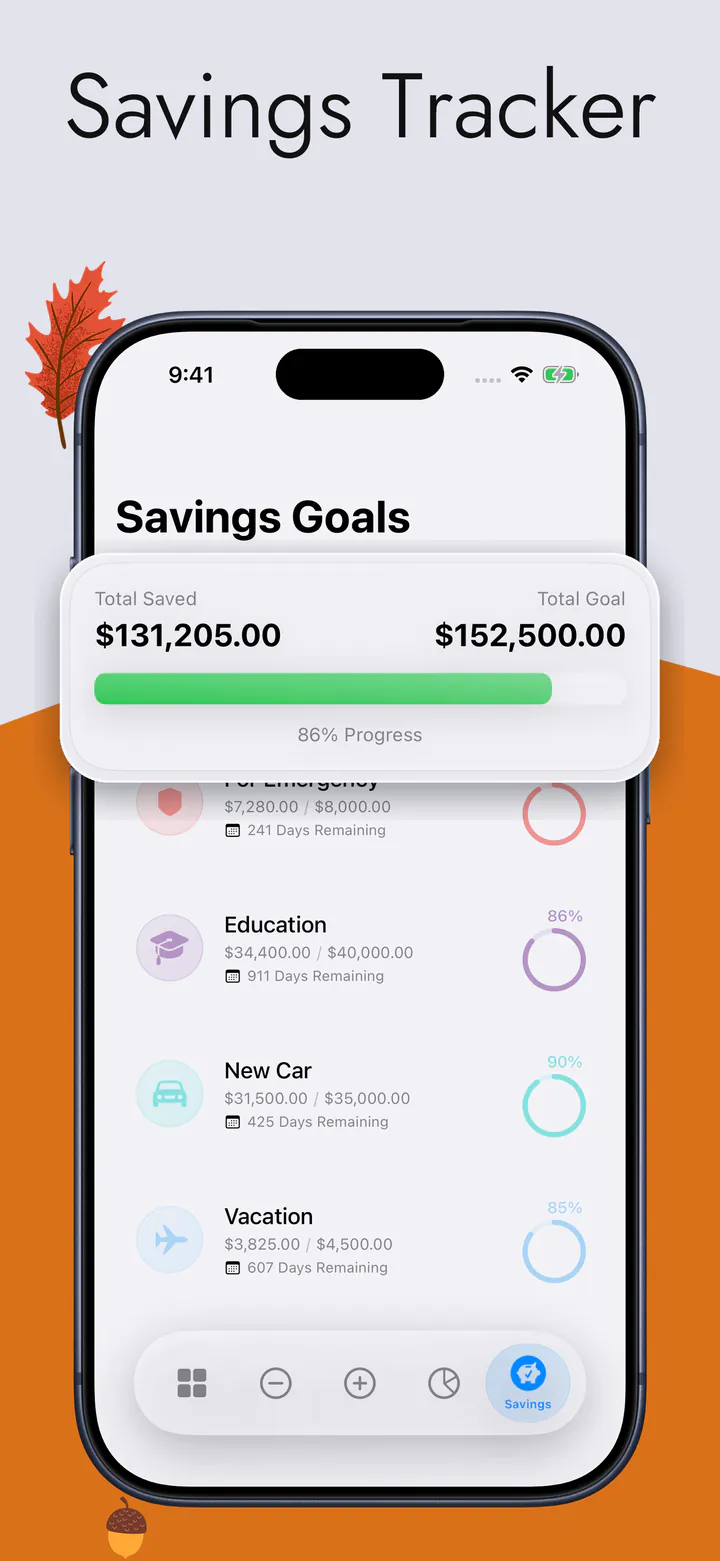
  • A ring for each savings goal, so you can see how close you are
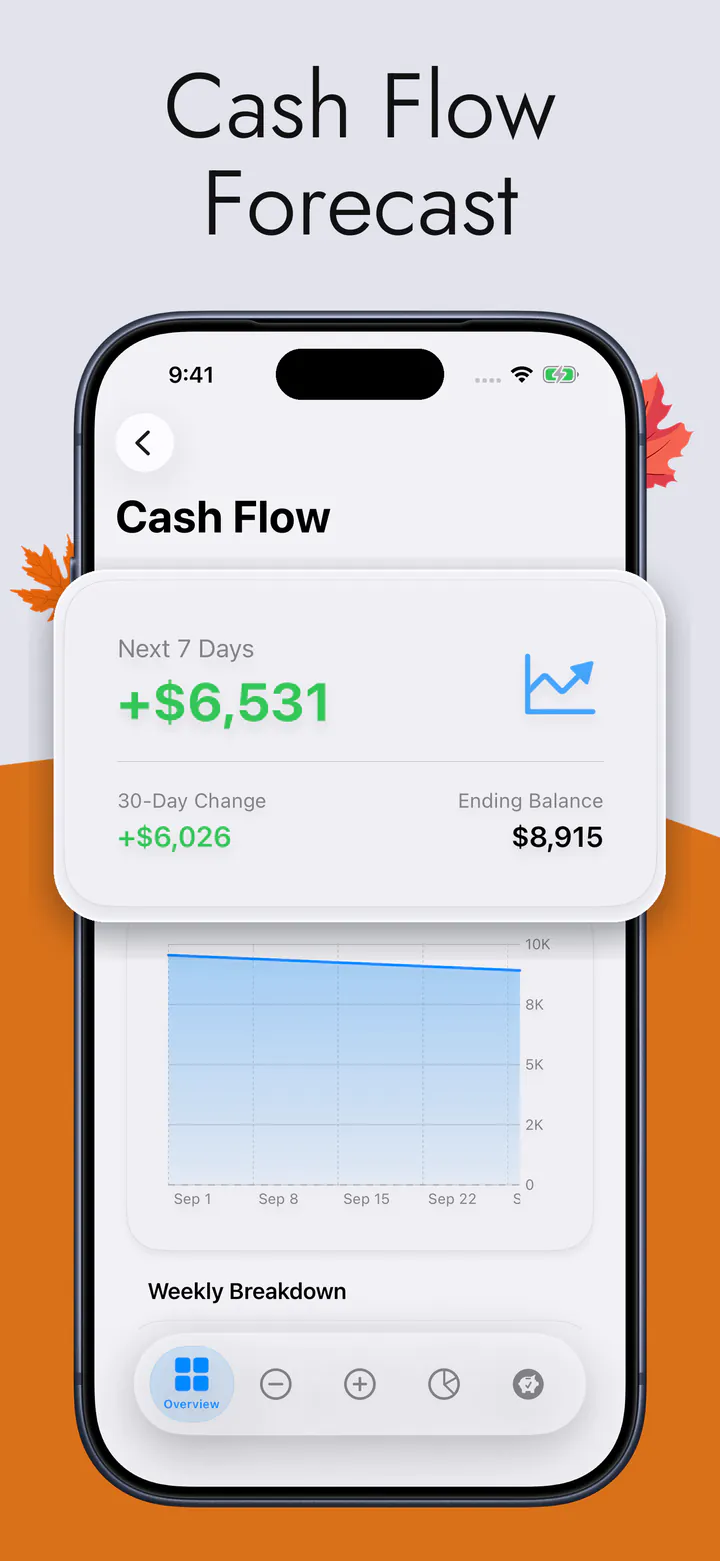
  • Thirty days of money in and money out, and the balance you land on
  • Or say “Add an expense to Actual Budget” and let Siri take it, without opening the app

The rest of the app — and the screens themselves — are on the main page.

Questions

The ones people actually ask.

Can I connect my bank account later if I change my mind?

No. There is no bank connection anywhere in the app and none is planned — it is not a setting switched off, it is code that does not exist. If connecting an account is what you want, this app will not become that.

Do I need an account or a sign-up?

No. There is no account, no email, no password and no sign-up screen. You open the app and start. Syncing between your own iPhone and iPad uses your Apple Account's iCloud, which you already have, and it is optional.

Does it work completely offline?

Yes, for everything you do day to day: adding an expense, seeing what is left, checking a bill, reading any screen. A connection is needed only to sync through iCloud between your devices, and to download the app in the first place.

I spend on several cards. Does that work without connecting them?

Yes, because the app is not reconciling accounts — it counts what leaves your hands. Which card paid for the coffee does not change what it cost you, or how much of this week is left.

See what's left, this week.

Free to download, on iPhone and iPad. No bank login, no account, no ads.

Download on the App Store