
The monthly figure, not a pile of dates
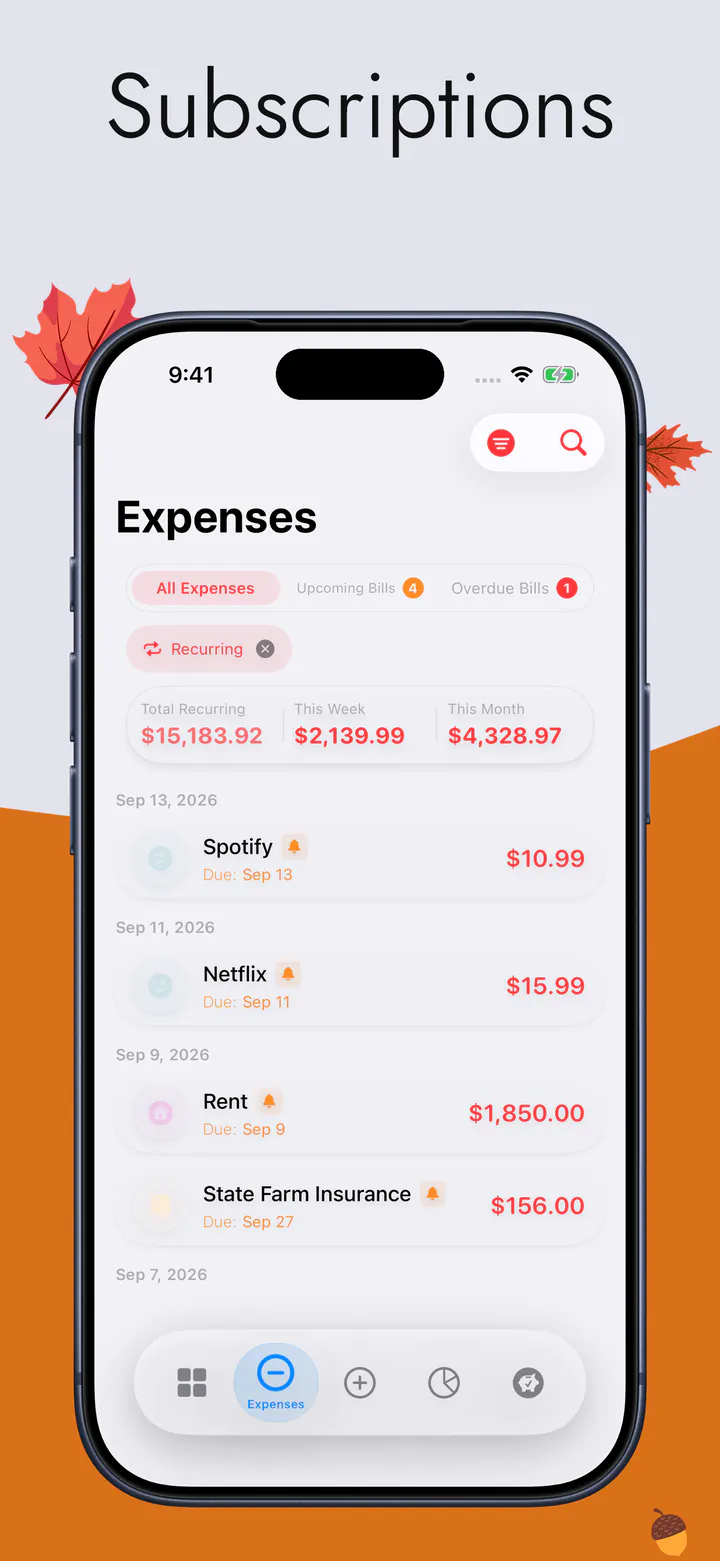
Everything is normalised to a month, whatever its billing cycle — a yearly plan divided down, a quarterly one too — so the set has a single figure instead of nine numbers on nine different days.
The streaming ones, the gym, the cloud storage, the thing you signed up for in March and have not opened since — in one list, with what the whole set takes out of a month. Not another app to keep up to date; the same one that already knows what you can spend.
An independent app by Halim Öztürk. Not affiliated with actualbudget.org and it does not connect to an Actual Budget server.
Why it sits inside a budget
Most trackers hand you a tidy list and stop there. A list tells you what you signed up for; it does not tell you what is left afterwards. Here the same set is already subtracted from the one number the app exists to show — and once the figure is in front of you, cancelling the one or two you had forgotten you were paying for is the obvious next move.
Everything is normalised to a month, whatever its billing cycle — a yearly plan divided down, a quarterly one too — so the set has a single figure instead of nine numbers on nine different days.
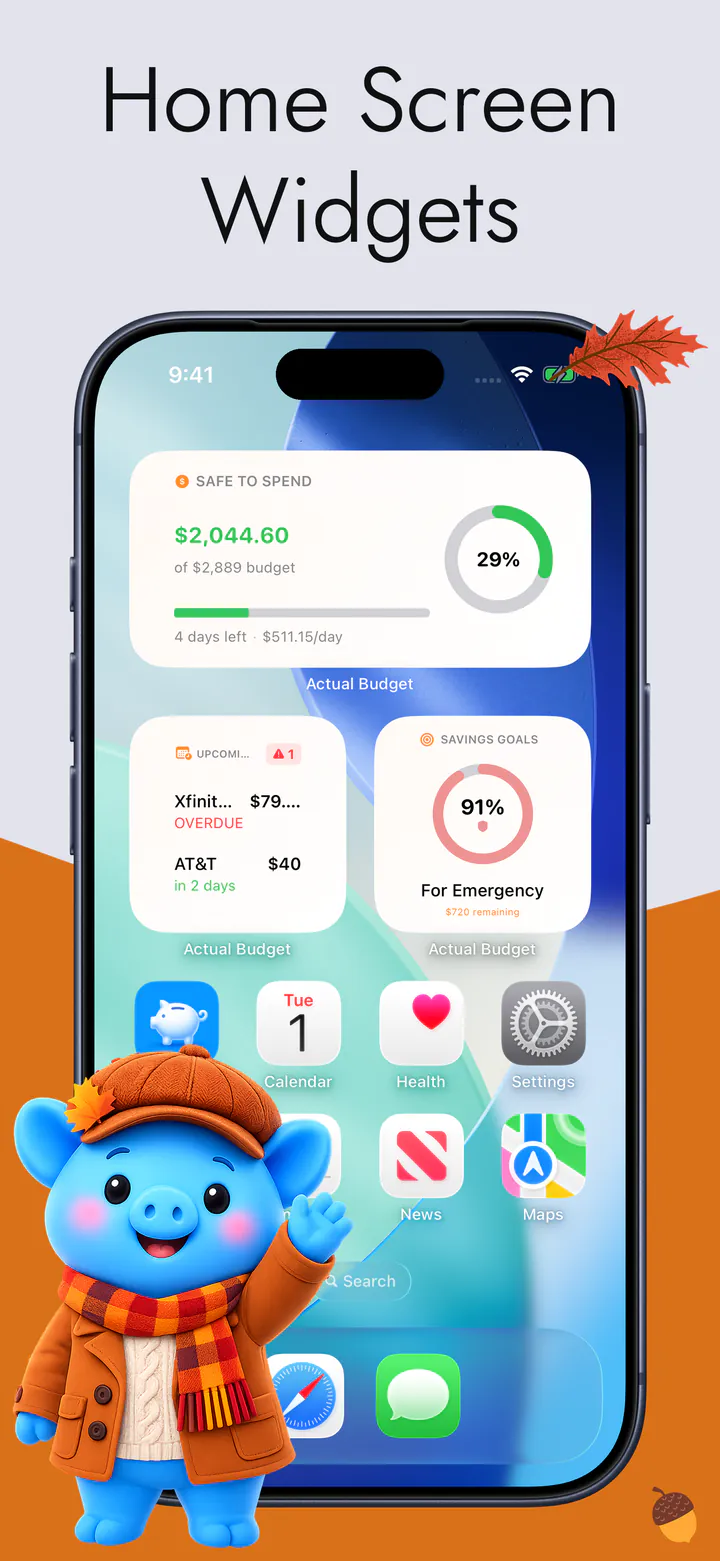
The recurring set is counted into what the app says is safe to spend this week. So a renewal is not a surprise arriving at the end of the month; it was already taken out at the start of it.
Daily, weekly, every two weeks, monthly, quarterly, twice a year and yearly. The yearly ones matter most here: they are the charges nobody remembers, because they only happen once.
From the App Store
Love the ease of use and simplicity to keep me motivated.
SHADOWcon22 · App Store review · United States
Quoted word for word from a review on the App Store.
The trade
A tracker built on a bank feed can scan your statements for repeating charges and present you with a list you never typed. This one connects to nothing at all, so it cannot do that. You add each subscription once — what it is, what it costs, how often — and after that it keeps itself, appearing on its own schedule without being re-entered.
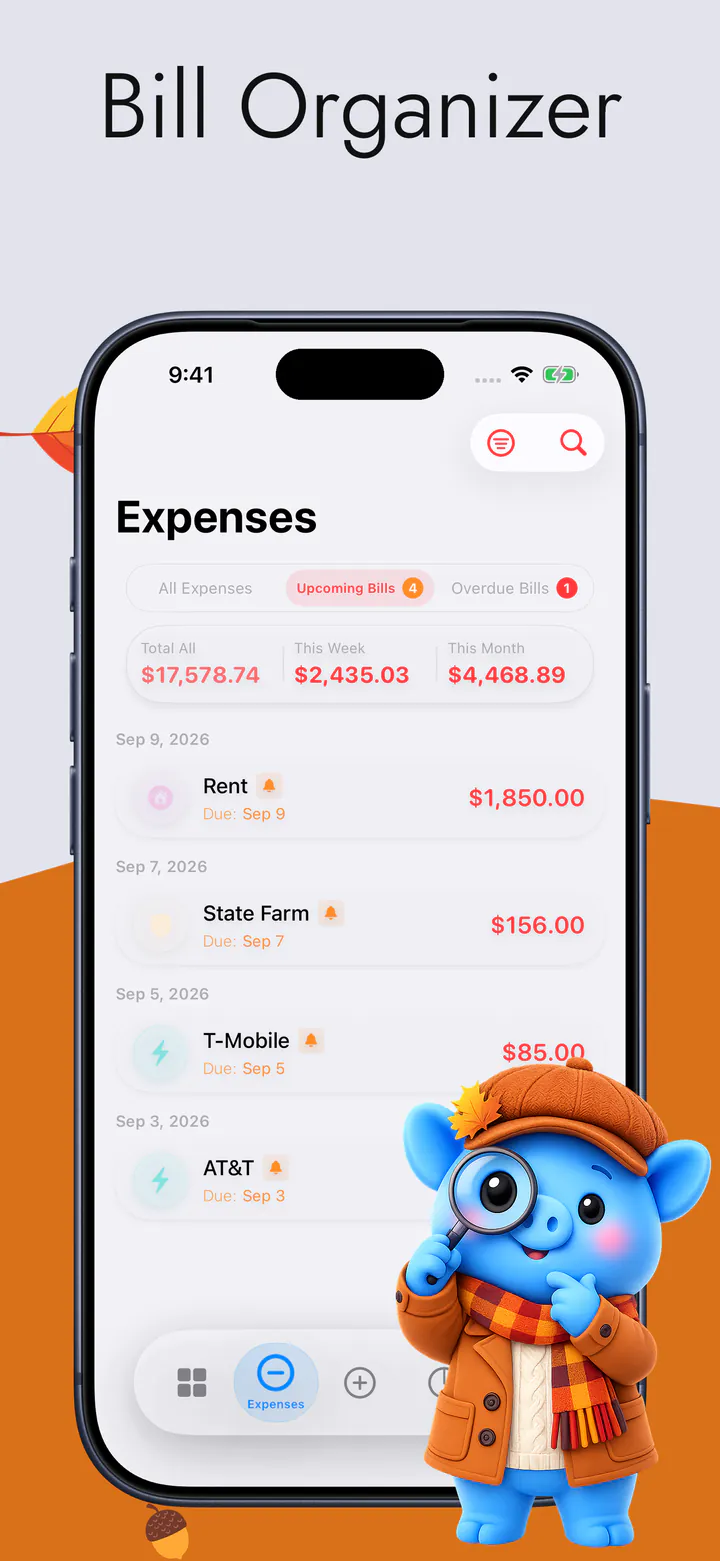
What comes back for that is the whole of it: no online-banking login, nothing handed to an aggregator, and a list that contains exactly what you decided it contains rather than whatever a matching algorithm concluded a charge was. If you want a reminder before one renews, the app can send you one — three days ahead by default, and off entirely if you would rather it said nothing.
Your data
What you pay for, and what it costs, lives on the device. There is no account to create, no email address, no password, and no server of ours holding a copy of the list.
One thing we will not leave out: the app does send anonymous usage analytics, and some of those events include amounts — the Privacy Policy lists exactly which and why. The names you give things, your notes and your account names never leave the device. No ads, and no advertising SDK.
What is on the screen
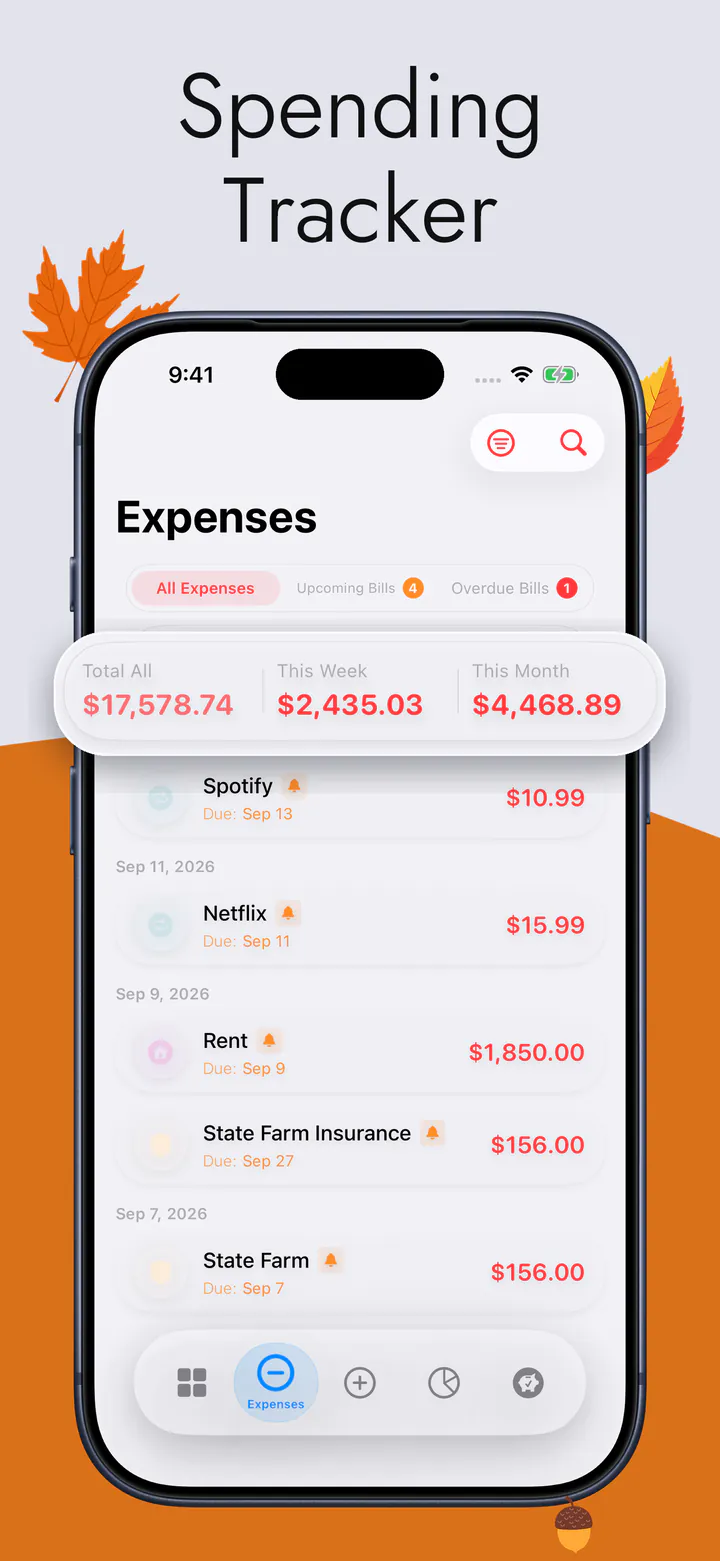
The subscription list is one screen of a weekly budget, not a product on its own — which is the reason its total goes somewhere rather than just being displayed.
The full feature list and every screen are on the main page. Why nothing here connects to a bank — and what that costs — has a page of its own.
Questions
No, and that is worth knowing before you install rather than after. Automatic discovery means reading your bank statements, and there is no bank connection, no aggregator and no statement import anywhere in this app. You enter each one once and it repeats itself from then on. If automatic discovery is the feature you came for, this is not the app that has it.
If you want it to. Reminders are off unless you turn them on, and they arrive three days before the date by default. You can change how many days, or leave them off and simply look at the list.
Those are the point. Yearly, twice-yearly and quarterly are all real billing cycles here, and each is divided down so the monthly figure includes it. An annual plan is the charge people forget precisely because it only happens once.
Neither. There is no sign-up, no email and no password, and the arithmetic happens on the device, so it works with no signal at all. A connection is used only if you turn on iCloud sync, which keeps your own iPhone and iPad in step through your own private iCloud.
Free to download, for iPhone and iPad. No bank login, no account, no ads.