Actual BudgetSpendıng Tracker

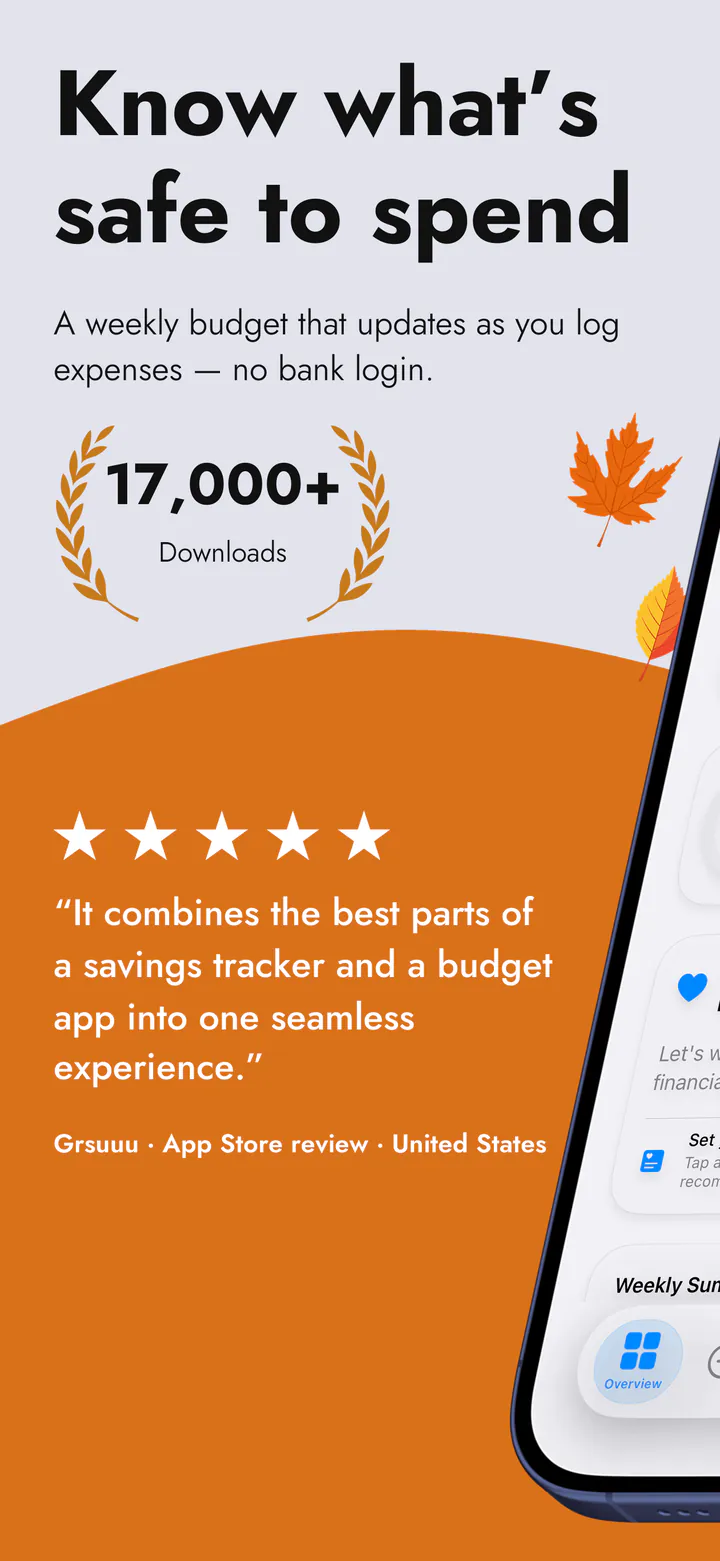
A budget app for Canada that never asks which bank you use.

Most budgeting apps in Canada open with a bank list and a login screen. This one has neither. There is nothing to connect, so one of the big banks, a credit union, or a card you barely use are all exactly the same to it.

Download on the App Store iPhone and iPad · iOS 18 or later

An independent app by Halim Öztürk. Not affiliated with actualbudget.org and it does not connect to an Actual Budget server.

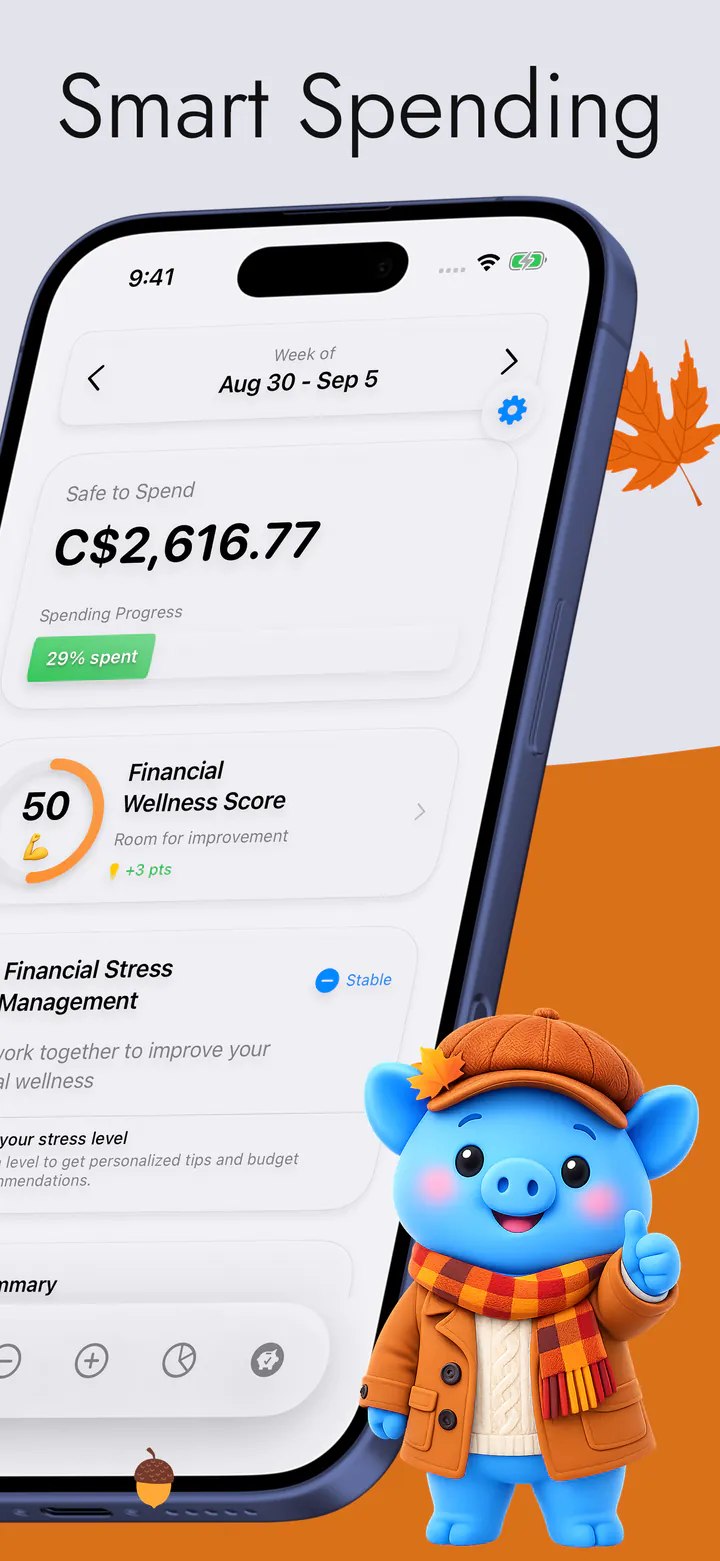
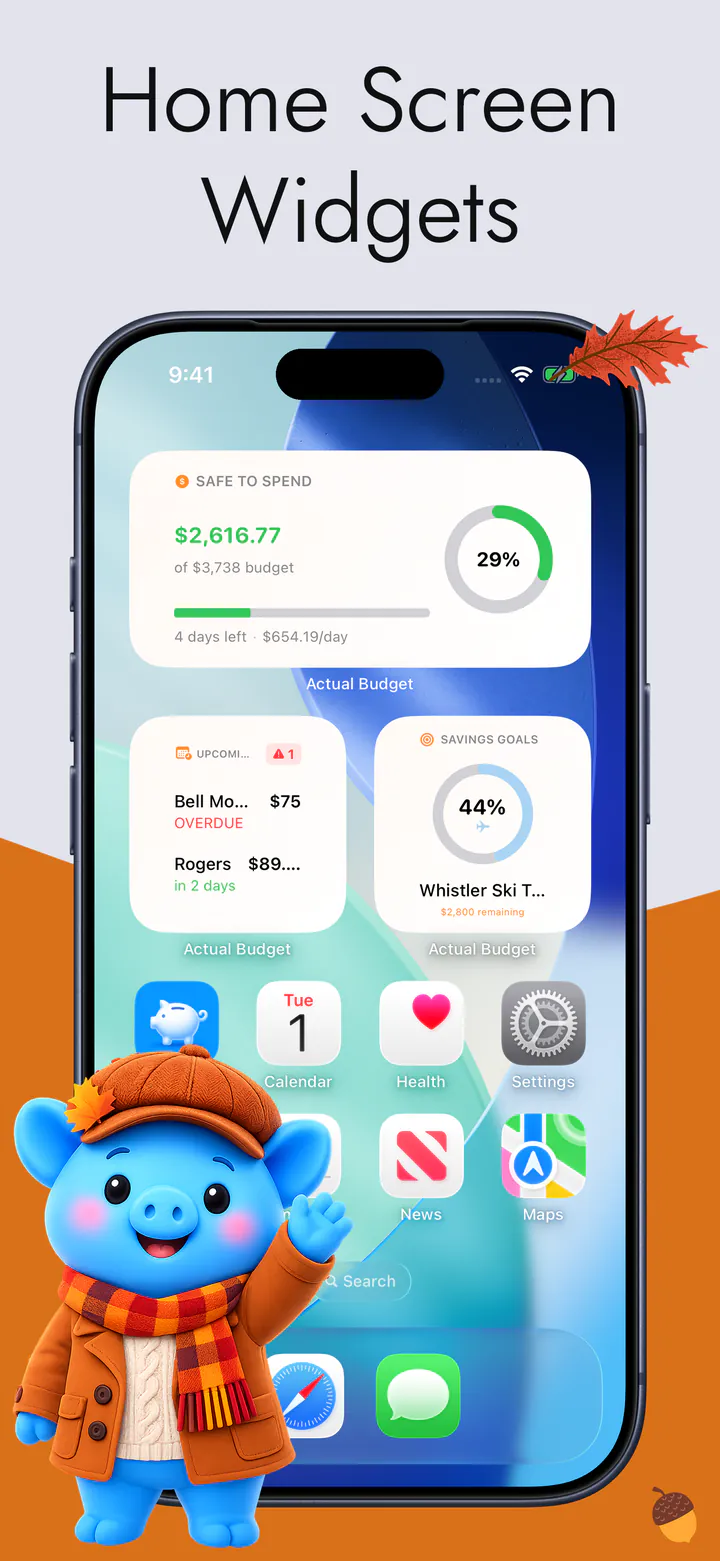
The app running in Canadian dollars, showing what is safe to spend for the rest of the week

What changes in Canada

The coverage question does not come up.

Asking a budgeting app whether it supports your Canadian bank is really asking about an aggregator's agreements — which institutions it has signed, which credit unions it reaches, and what breaks the week one of them changes a login page. None of that exists here, because there is no connection to break.

01

There is no bank list to be on

An aggregator can only reach the institutions it has deals with, which is why credit unions and smaller banks so often fall off the end of one. This app reaches none of them, on purpose, so whether yours is included is not a question anybody has to answer.

02

Nothing to hand over

No online-banking username, no password, no security questions, and no third party left holding a way into your account. There is no login screen anywhere in the app, because there is nothing to log in to.

03

English and French, both

English and French are two of the sixteen languages the app ships in, and it follows whatever your iPhone is set to. Change the phone and the app changes with it — there is no separate download and no separate version.

From the App Store

The app developer’s support is extremely fast and helpful.

Chumpy16278 · App Store review · Canada

Quoted word for word from a review on the App Store.

The trade

The honest part: you type it in.

This is what you give up, and it should be said plainly rather than discovered. No transactions arrive on their own, so an expense exists once you enter it — a few seconds at the till, or a handful of them at the end of the day. Skip a week and the week is empty; nothing will fill it in for you.

What comes back is that the number is yours instead of a reconstruction. Nothing is filed under a merchant name you do not recognise, nothing lands three days late, and there is no morning where a connection has quietly dropped and the budget has been wrong since Tuesday.

Your data

It stays on your iPhone.

Your expenses, bills and savings goals live on the device. There is no account to create, no email address, no password, and no server of ours holding a copy — which is also why there is nothing of yours for us to lose.

One thing we will not leave out: the app does send anonymous usage analytics, and some of those events include amounts — the Privacy Policy lists exactly which and why. Merchant names, notes and account names never leave the device. No ads, and no advertising SDK.
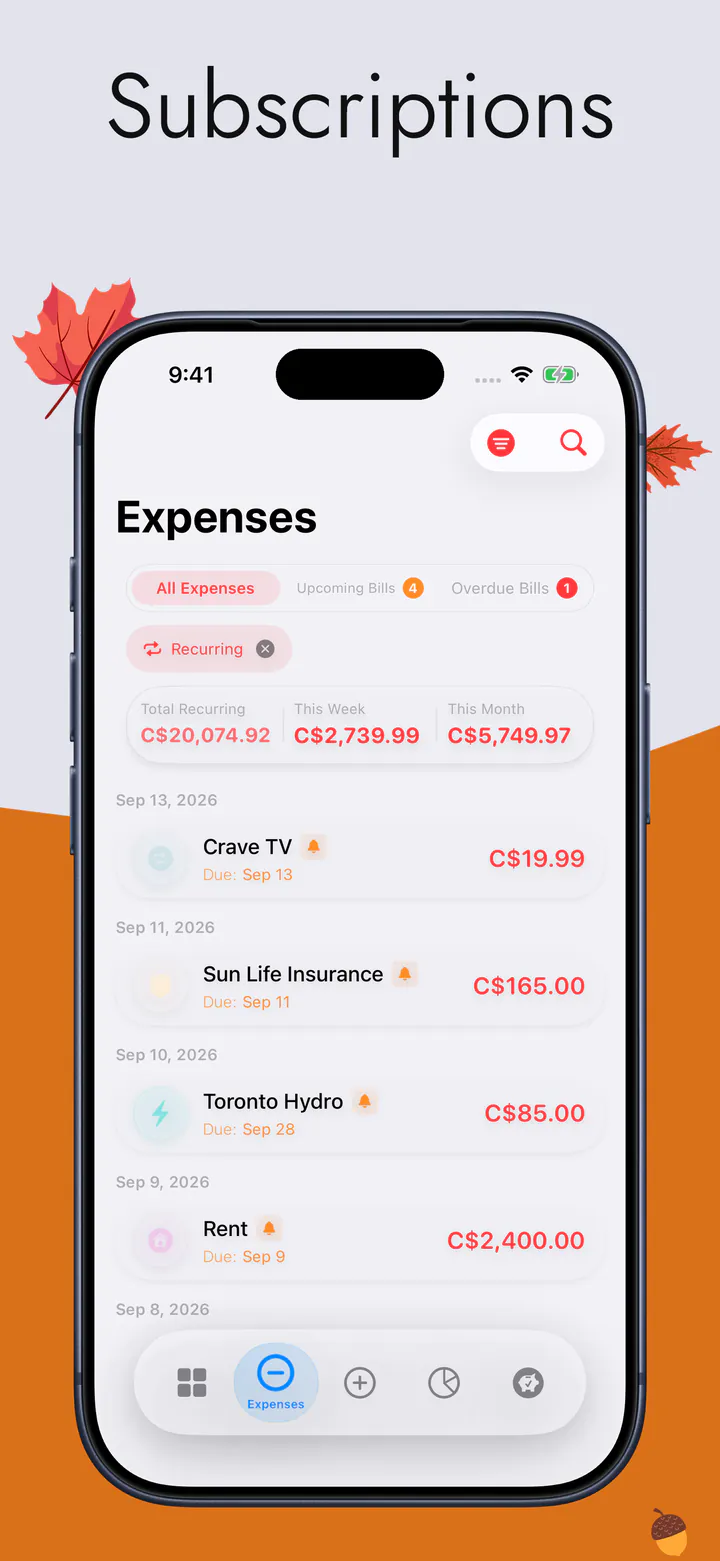
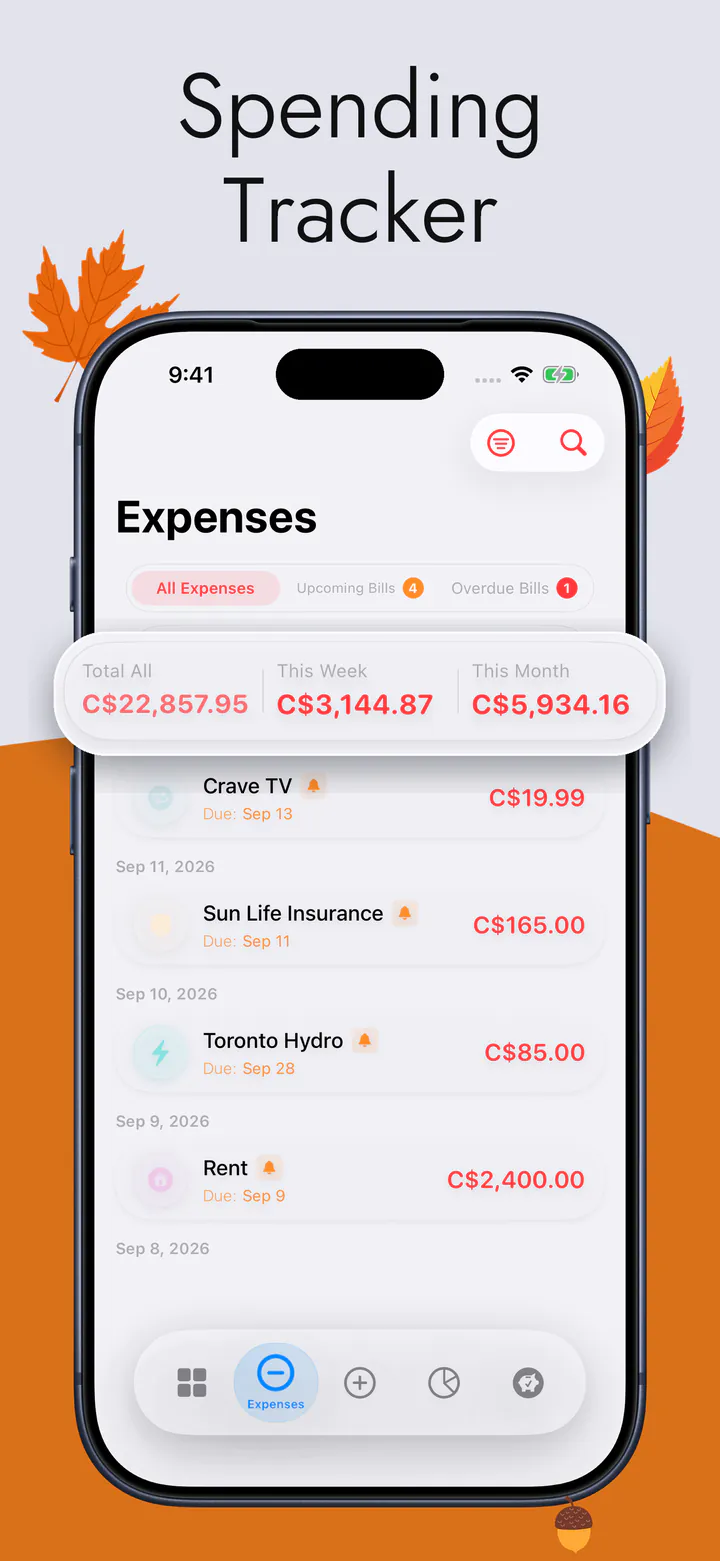
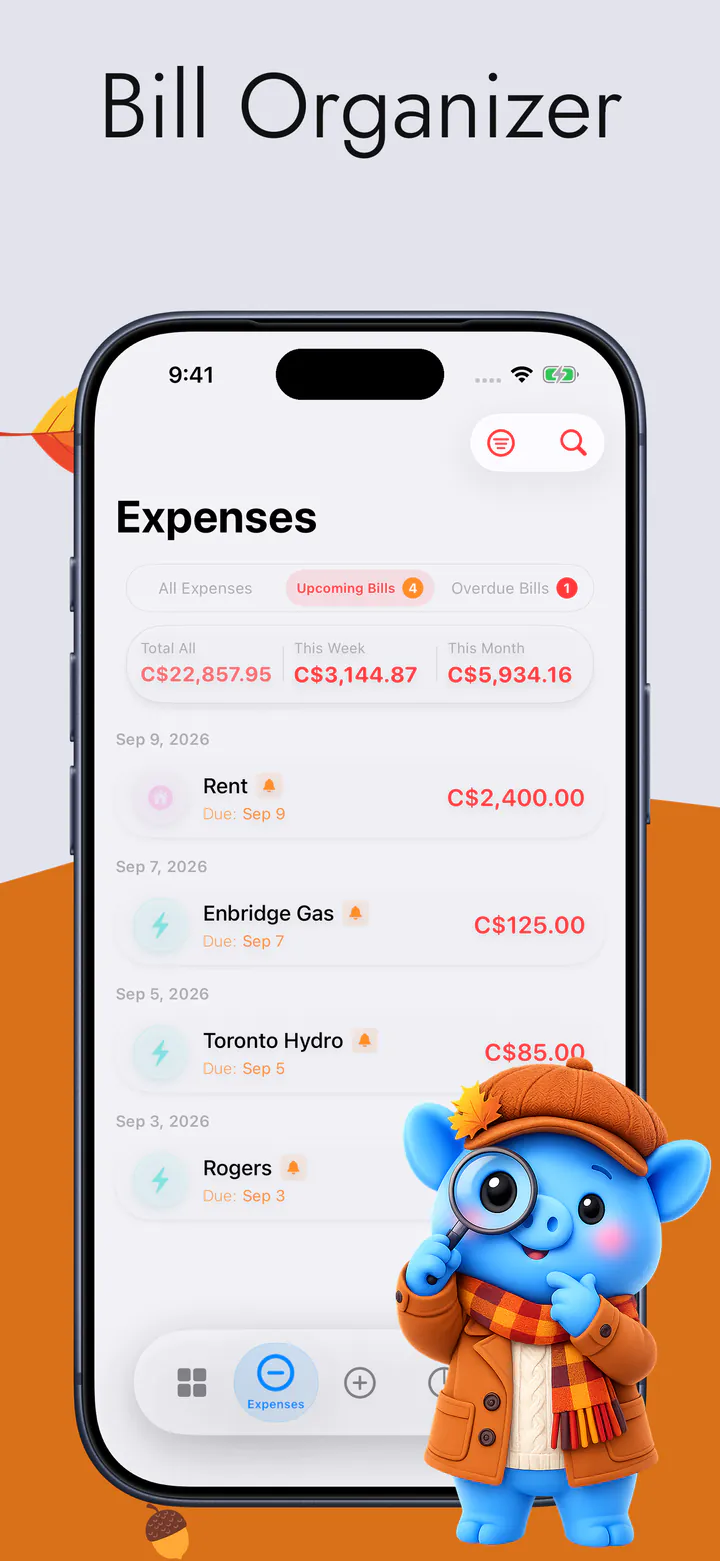
The expense list, with the week's and the month's totals above it
The list you actually keep — every expense, with this week's and this month's totals.

What is on the screen

One number, in Canadian dollars.

Canadian dollars are one of the currencies you pick in Settings, and the choice is yours rather than a consequence of which App Store you bought from.

  • Safe to Spend for the rest of the week, and what it is made of
  • Every expense in one list, sorted into categories, with the week's and the month's totals
  • Bills in the order they need paying, and which are late
  • Every subscription in one place, and what the set costs each month
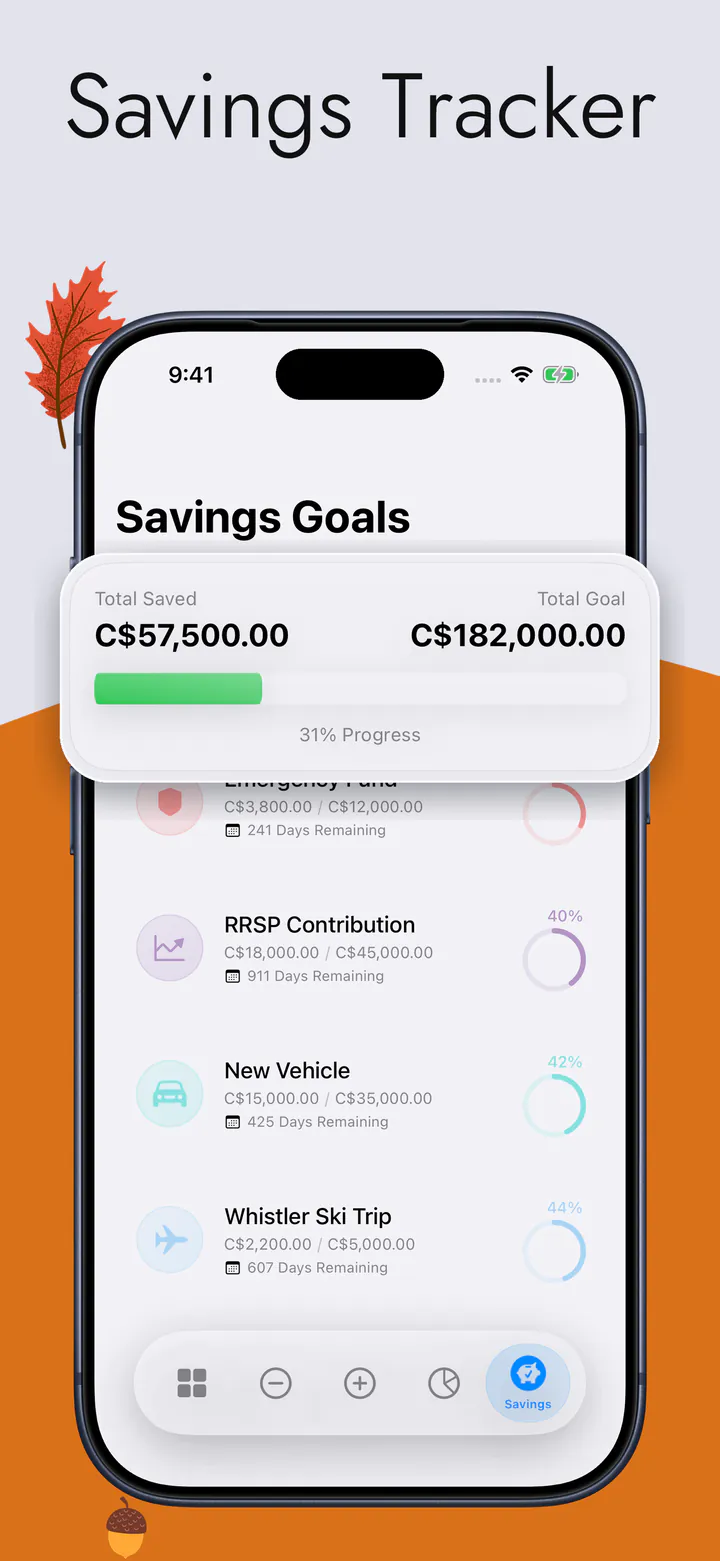
  • A ring for each savings goal
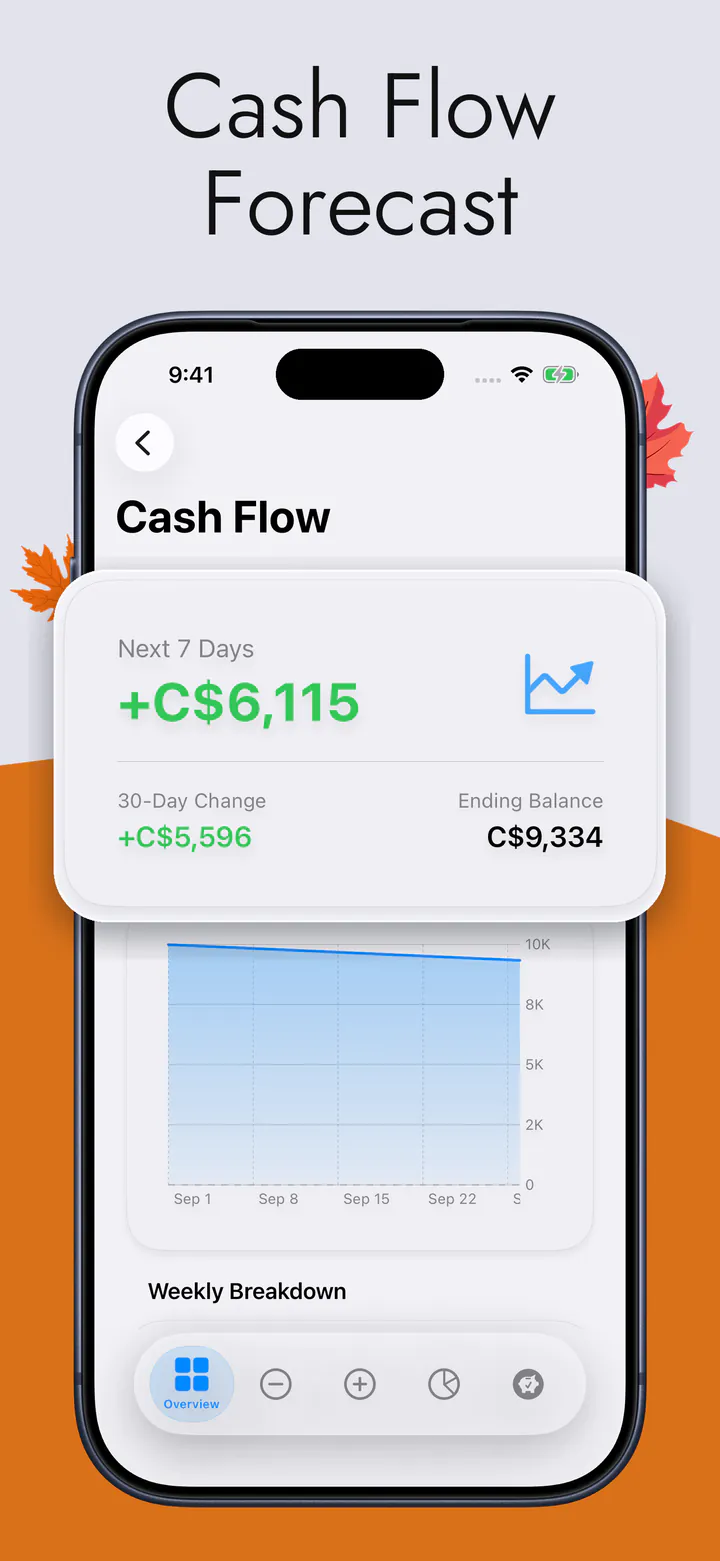
  • Thirty days of money in and money out, and the balance you land on
  • Home Screen and Lock Screen widgets, so the number is there without opening anything

The full feature list and every screen are on the main page. Why there is no bank connection anywhere in the app — and what that costs — has a page of its own.

Questions

The ones asked from Canada.

Will it work with my Canadian bank?

It works the same with every one of them, because it works with none of them. There is no bank connection, no aggregator and no statement import anywhere in the app, so a big bank, a credit union or something newer makes no difference at all. If what you want is a budgeting app that connects to your bank, this is not that app — and it is better to find that out here than after installing it.

Does it work in Canadian dollars?

Yes. Canadian dollars are one of the currencies in Settings, and the app then shows every figure in them. The choice is a setting rather than something decided by the store you downloaded from.

Is it in French?

Yes. English and French are both among the sixteen languages the app ships in, and it follows your iPhone's language — there is no separate download for either one.

Do I need an account, or the internet?

Neither. There is no sign-up, no email and no password, and the arithmetic happens on the device, so day to day it works with no signal at all. A connection is used only if you turn on iCloud sync, which keeps your own iPhone and iPad in step through your own private iCloud.

See what's left this week, in Canadian dollars.

Free to download, for iPhone and iPad. No bank login, no account, no ads.

Download on the App Store