It does exactly what you told it
You wrote the formulas, so the budget is shaped like your life rather than like somebody's product decision. No app gives you that, and this one certainly does not — it has one method and you get that method.
You already track your money by hand, and you are wondering whether an app is worth the move. Here is the honest version, including the cases where the answer is no.
An independent app by Halim Öztürk. Not affiliated with actualbudget.org and it does not connect to an Actual Budget server.
Where the spreadsheet wins
If any of these is the reason you built the sheet, you should keep it. An app that argues with that is selling, not comparing.
You wrote the formulas, so the budget is shaped like your life rather than like somebody's product decision. No app gives you that, and this one certainly does not — it has one method and you get that method.
A spreadsheet opens in twenty years, on anything, with no company still needing to exist. That is a genuine advantage over any app, ours included, and it is worth being clear-eyed about.
If the sheet holds five years of numbers you actually look back on, moving is expensive and the gain has to be worth it. Sometimes it is not.
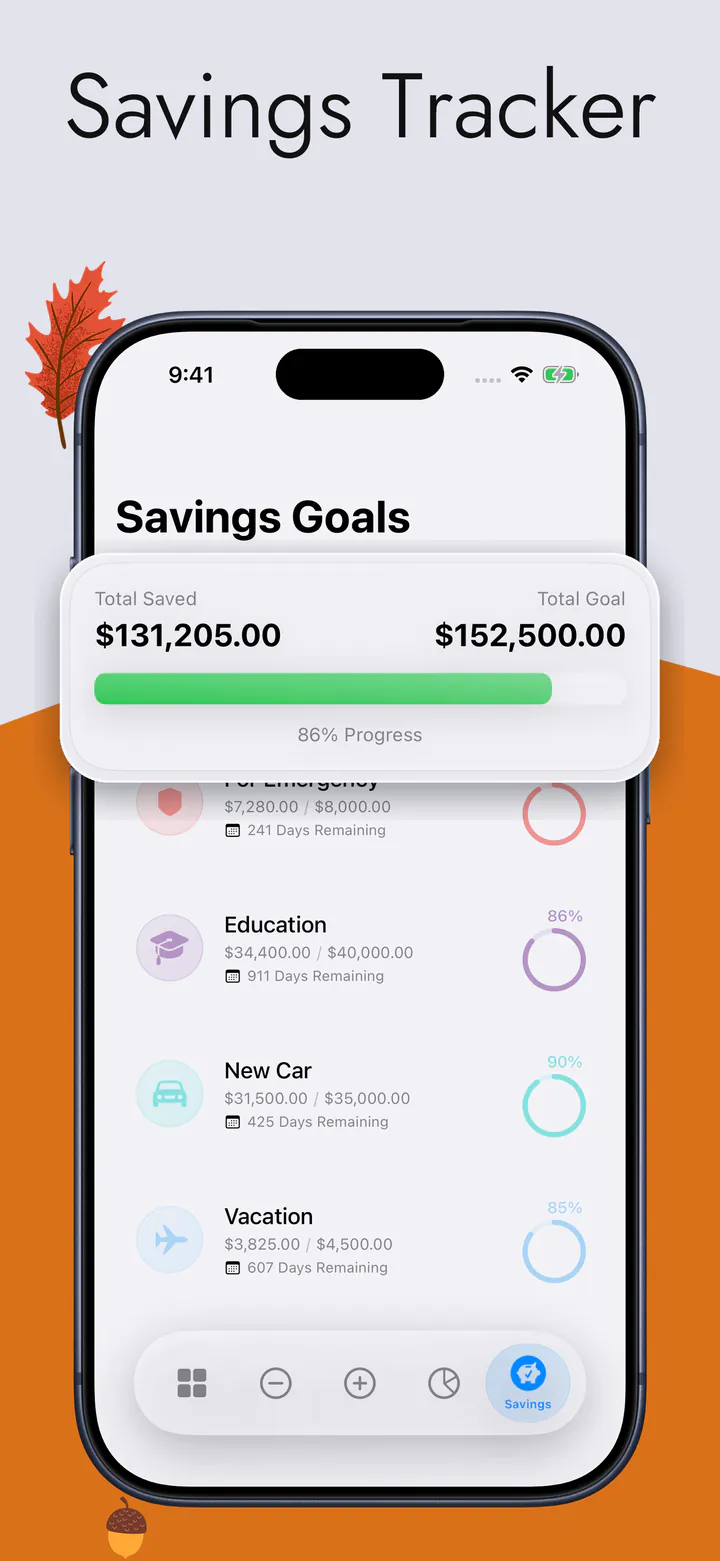
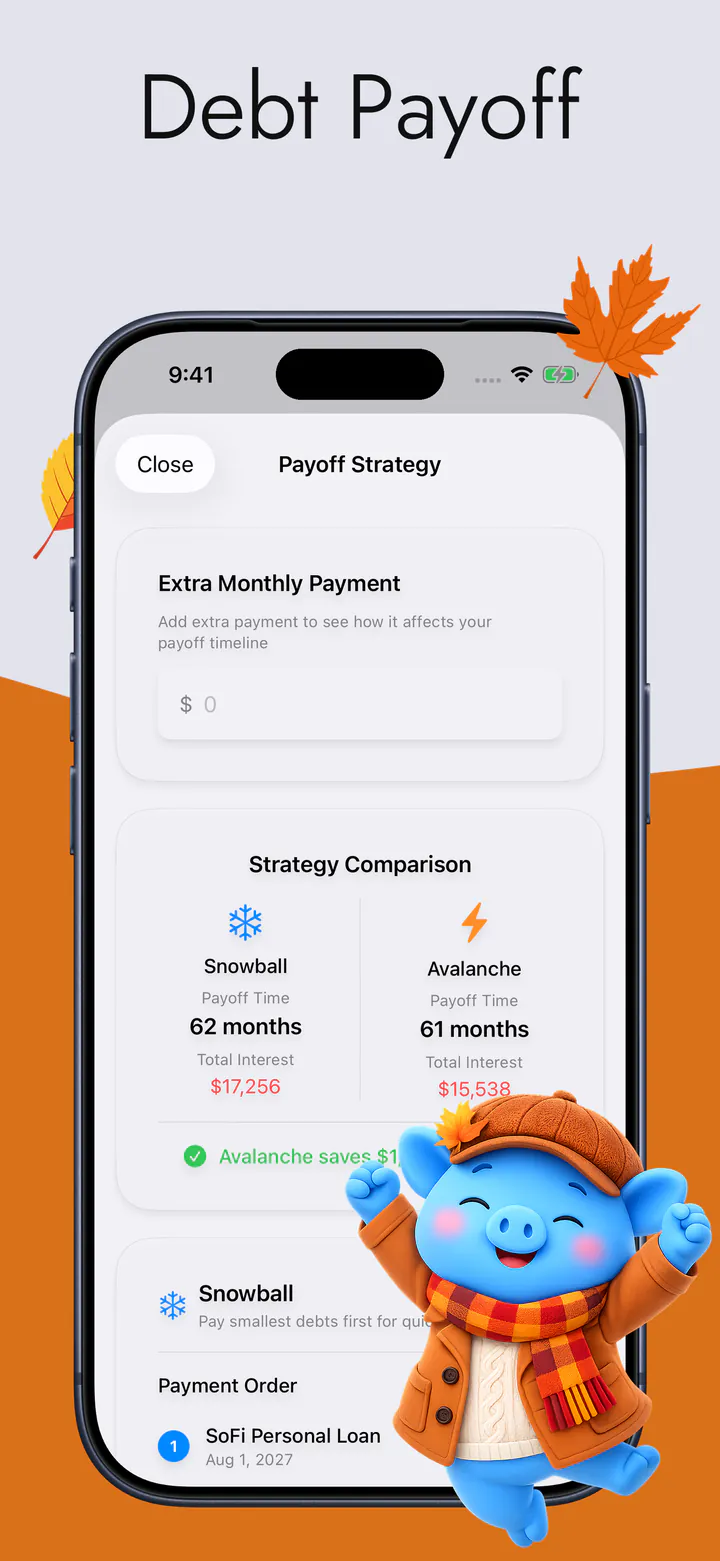
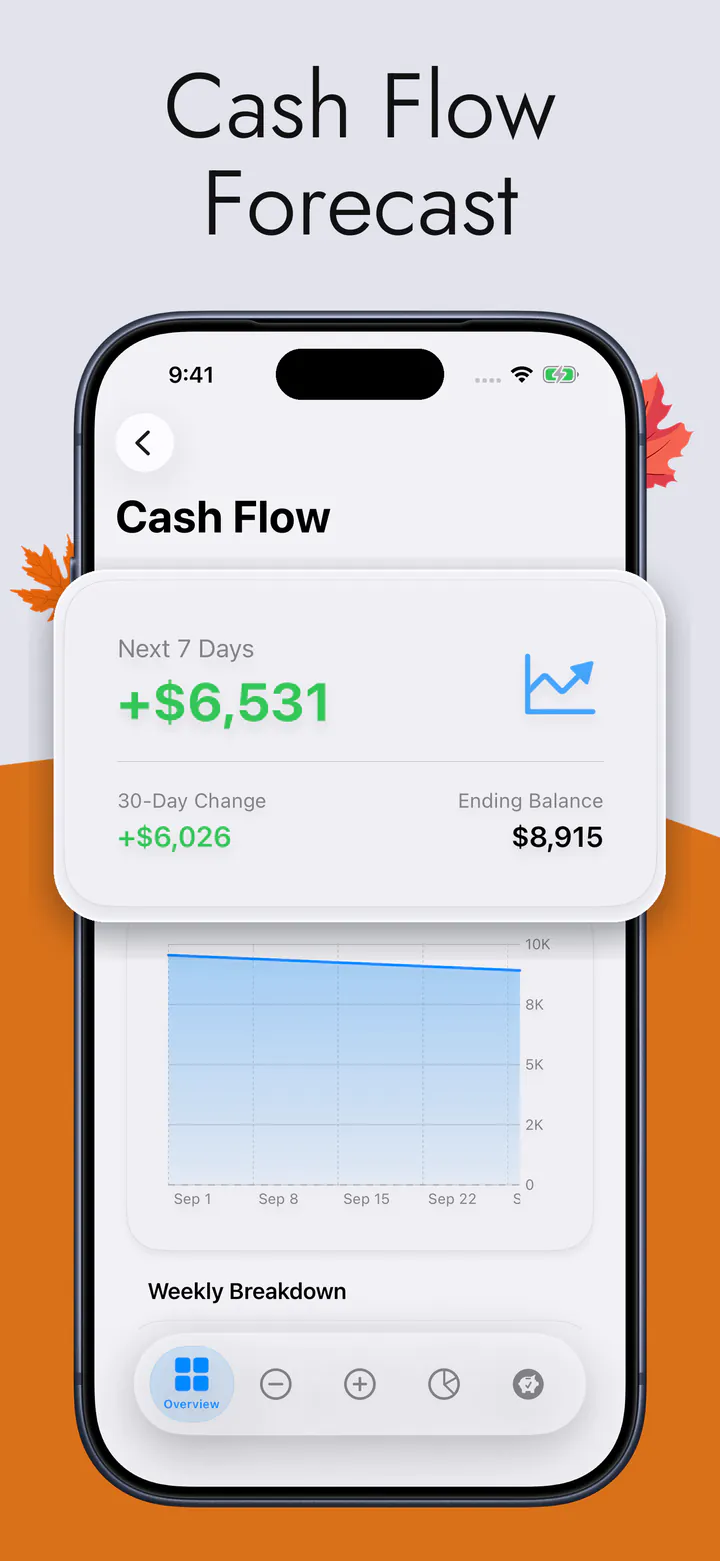
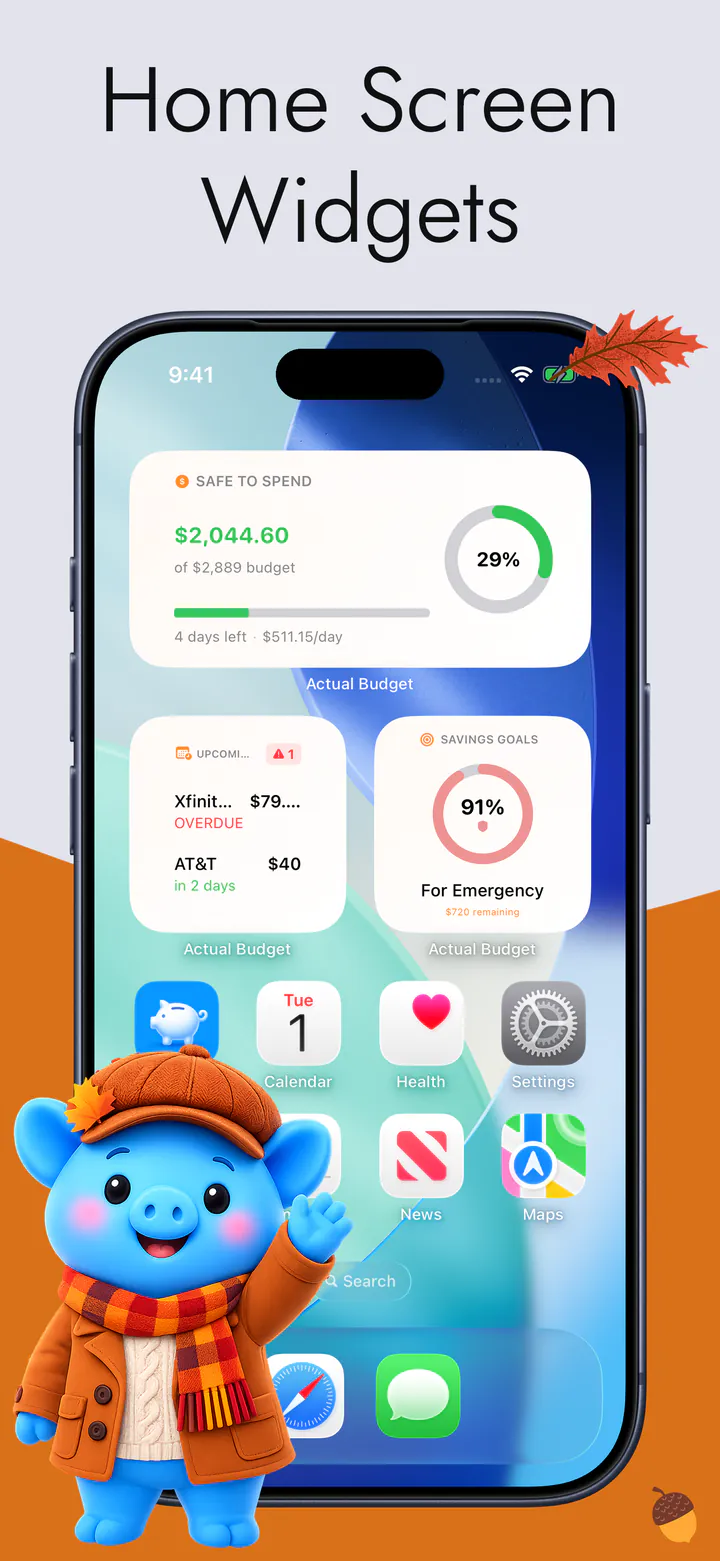
From the App Store
I started using this app as a simple money tracker, but it quickly became my go-to for everything finance related.
Lifetime35 · App Store review · United States
Quoted word for word from a review on the App Store.
Where it stops working
Almost nobody abandons a budget spreadsheet because the maths broke. They abandon it because it lives on a laptop, and the money is spent standing in a shop with a phone in one hand. The gap between the moment you spend and the moment you can record it is where the whole thing quietly dies — a few days behind, then a few weeks, then never.
The second failure is subtler and worse: a sheet tells you what you have spent. It rarely tells you what you can still spend, today, safely, with rent and the subscriptions and the savings you promised yourself already taken out. Getting that number out of a spreadsheet means maintaining it as well as filling it in, and that is the maintenance nobody keeps up.
What an app changes
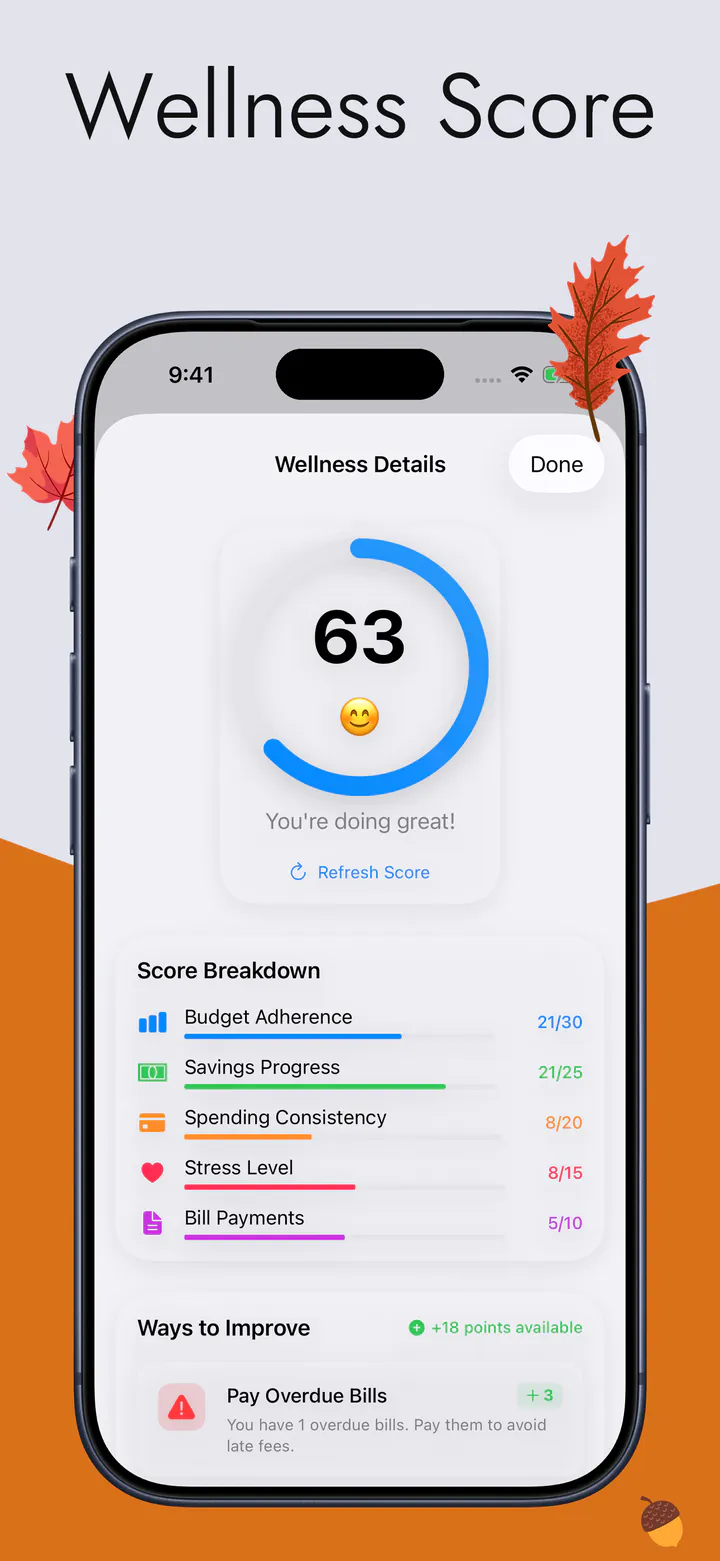
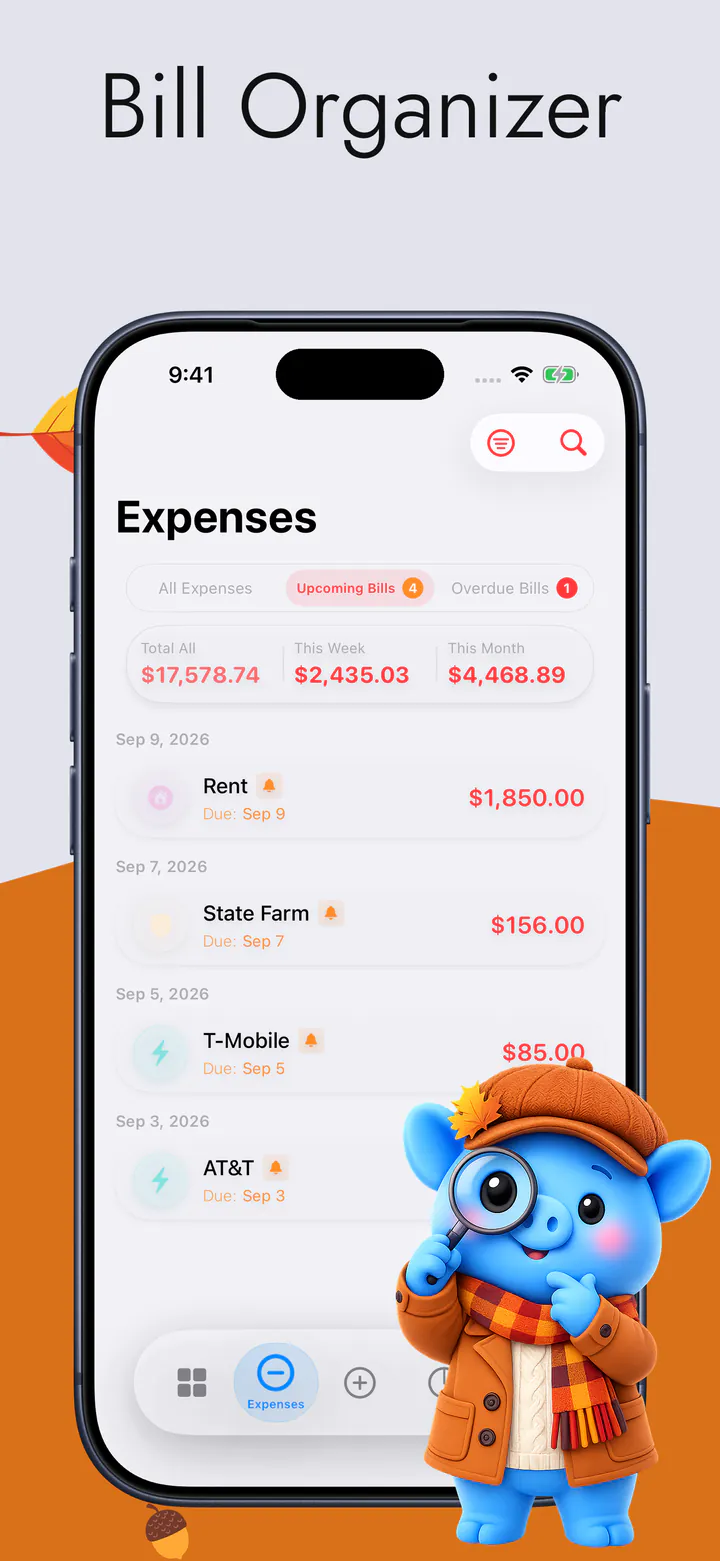
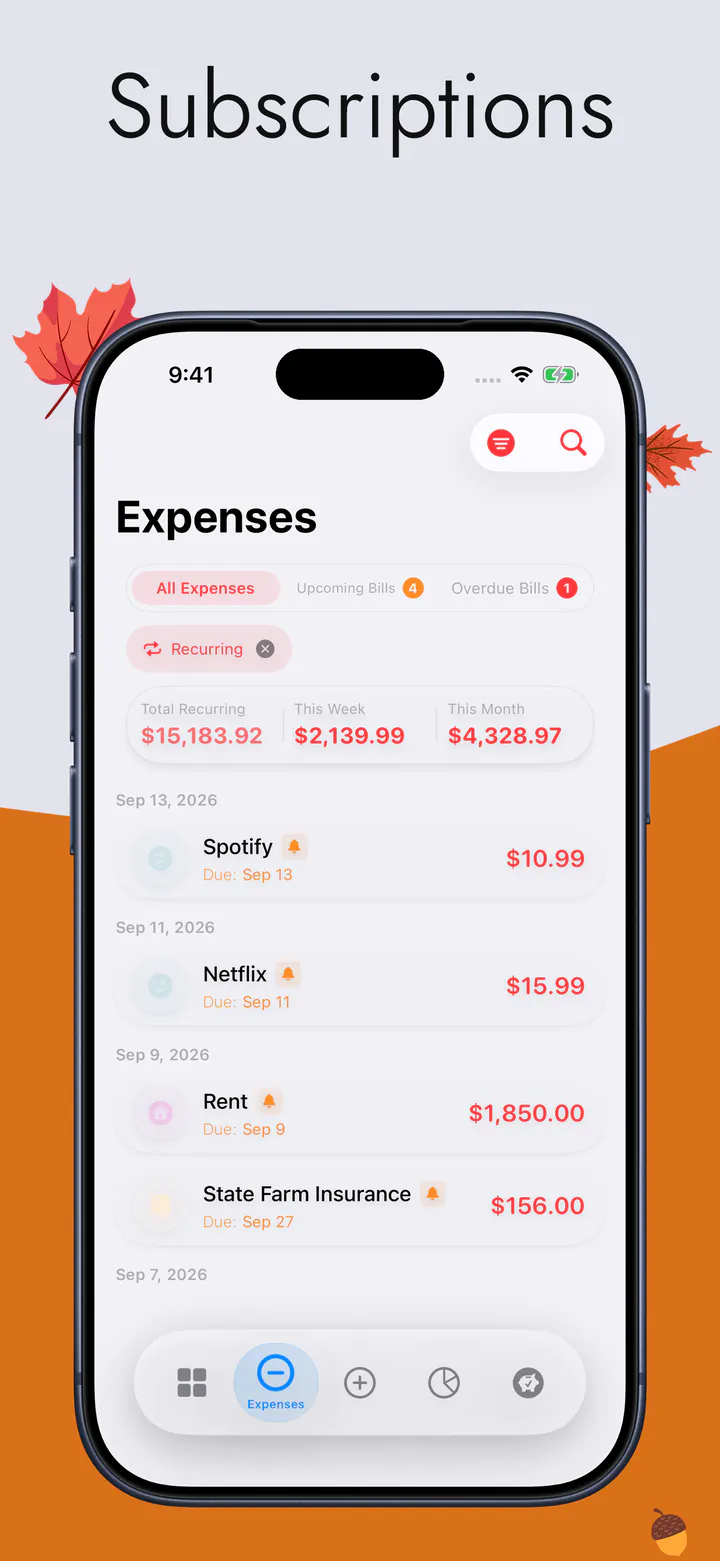
You still type what you spend — this app has no bank connection, no aggregator and no statement import, so the honesty of a hand-kept ledger is intact. What moves is where you type it: on the phone, in the queue, five seconds after it happened. Rent, bills and subscriptions go in once and repeat on their own.
And the number you actually wanted is on the Home Screen without being asked for: what is left for the rest of this week, after everything already promised. Your records stay on your device and sync through your own private iCloud if you turn it on — we cannot read them. The Privacy Policy is item by item.
Side by side
Nine things worth comparing, and the spreadsheet takes four of them. Ticks from someone with an obvious interest — which is exactly why its column is not empty.
 This app This app | A spreadsheet | |
|---|---|---|
| Adding one without touching the screenSay “Add an expense to Actual Budget” and Siri takes it. You cannot talk to a spreadsheet. | yes | |
| Bending to your own methodYou wrote the formulas. No app gives you that. | yes | |
| Entering it where you spend itA phone is in your hand at the till. A laptop is at home. | yes | |
| Owning the file foreverIt opens in twenty years with no company still needing to exist. | yes | |
| “What can I spend today?”The one number it is built around, on the Home Screen. | yes | |
| Years of history you already haveIt is already in there, and moving it costs you. | yes | |
| Bills that carry themselves forwardEnter rent once; it repeats with its next date. | yes | |
| Costing nothing at allIf you already have one, it is free. | yes | |
| Being up to date on a TuesdayThe sheet does not fail. It just stops getting opened. | yes |
What the app does with the number is on the main page.
Questions
No, and it is better to say so on this page than to let you find out after installing. There is no CSV or Excel import. The practical move is to start the app from today and keep the old sheet as an archive — the history stays readable exactly where it is.
If it is open several times a week and you genuinely use the history, yes — keep it. The people this app helps are the ones whose sheet is three weeks behind, which is most people who have ever built one.
No. No bank login, no aggregator, no statement import. If you liked the spreadsheet because nobody had your banking credentials, nothing about that changes here.
Plenty do, and it is a reasonable answer. The app carries the day-to-day — what is left this week — while the sheet stays where the long view and the custom calculations live.
Free to download, on iPhone and iPad. No bank login, no account, no ads. If it is not better by the weekend, your spreadsheet is exactly where you left it.